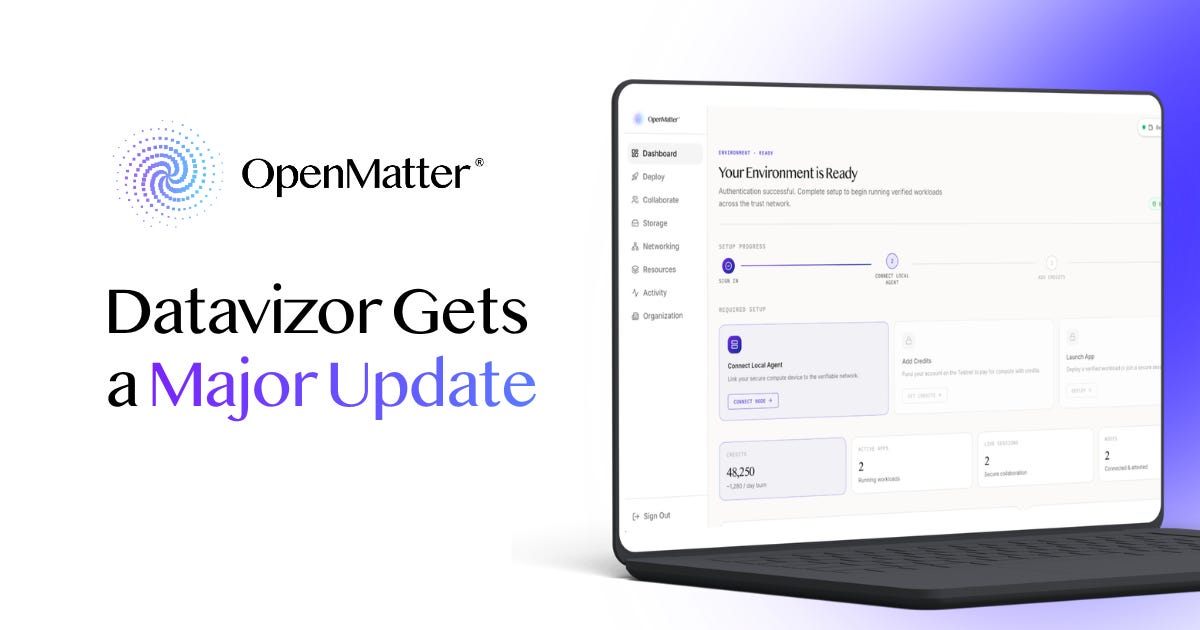
Datavizor just got its biggest update since launch. The agent that keeps your data on your own machine is now a desktop app you download and run, four sections of the console walk you through themselves, and three larger features are finishing testing.
Here's what changed, and what's coming next.

Stay up to date as we build the infrastructure layer for secure AI collaboration:

OpenMatter is chairing the Decentralized AI Agent Alliance’s Agentic Privacy & Security subgroup. The next meeting will be held on August 12, 2026 at 1pm EDT, and continuing every other Wednesday thereafter. Please join us.
Datavizor Gets a Major Update
Secure Collaboration No Longer Needs a Terminal
OpenMatter builds infrastructure for AI agents that work with sensitive data. It’s solving a problem that gets harder as agents get more capable: you can’t take an agent’s word for anything, neither what it sees nor what it does. The OpenMatter stack is built so that the data arrives in a form the agent can’t read, and the agent runs inside limits it can’t exceed.
Datavizor is where that gets set up. And this week it got a major refresh: a redesigned console, guided walkthroughs, and an agent you install like any other desktop app. Let’s take a look.
The Agent Is an App Now
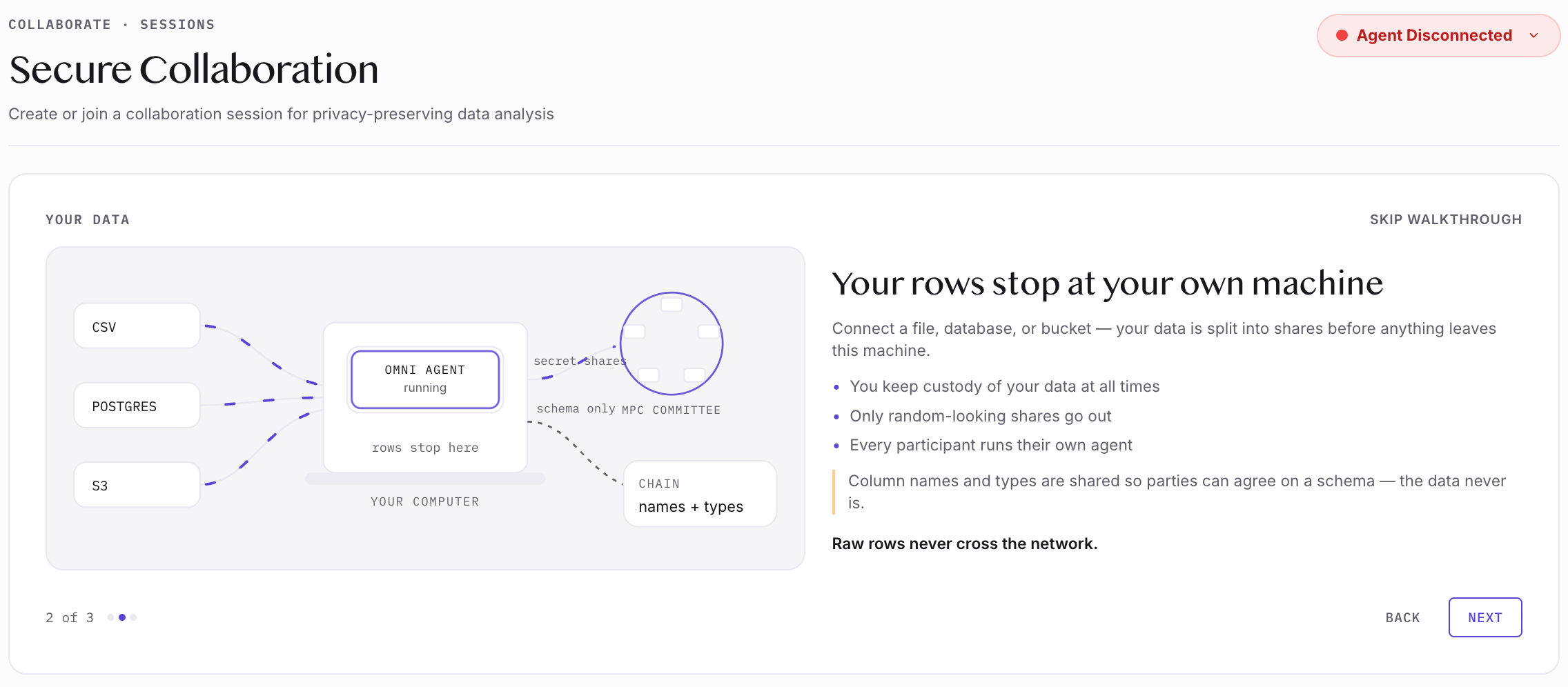
Secure collaboration needs a program running on your own computer. It’s called the OMNI agent, and it splits your data into secret shares before any of it leaves your machine, which is how a session runs without anyone seeing anyone else’s data. Until this week, that program was a command-line tool.
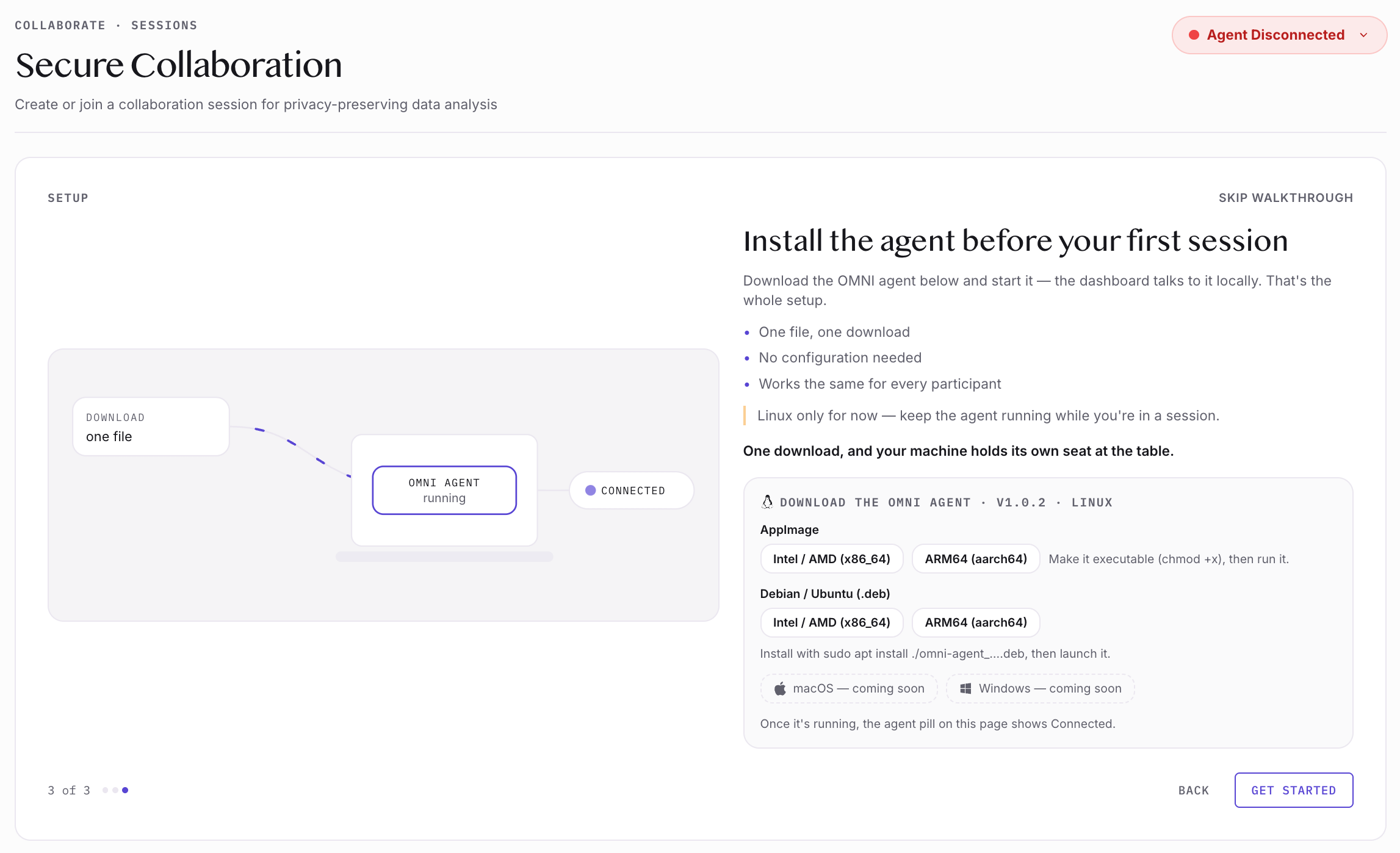
Now it’s a desktop application. Download one file and run it, and the console finds it. There’s an AppImage for Intel or ARM, and a Debian package if you prefer one.
Linux only for now, with macOS and Windows coming soon.
A researcher with a spreadsheet shouldn’t need a terminal to work with it safely. Now they don’t.
The Console Explains Itself
Four sections now open with a short illustrated guide: Collaborate, Storage, Networking, and Organization. Each one walks you through what the feature does and how to start using it, in about a minute of reading.
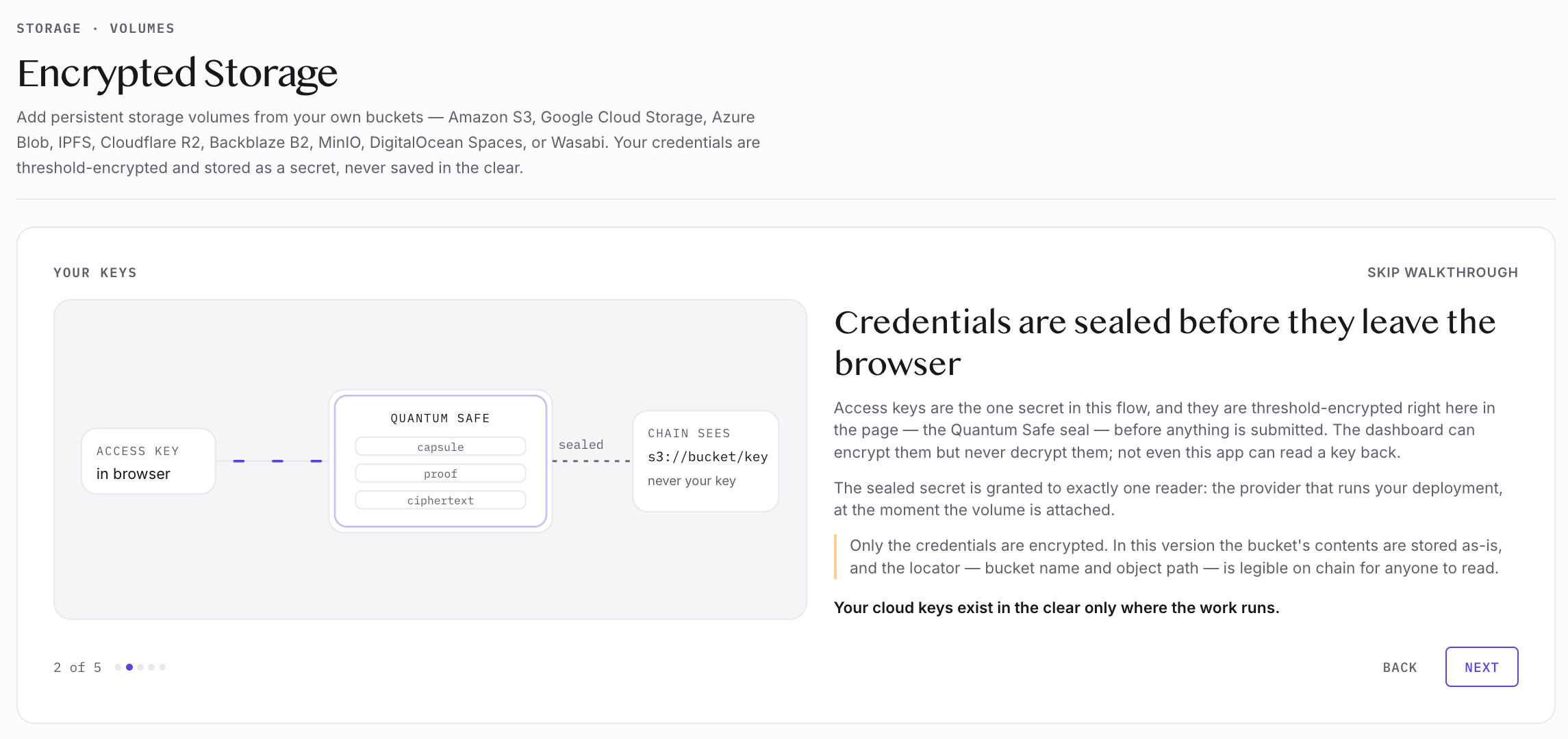
Storage is a good example. Bring your own bucket, whether that’s S3, Google Cloud Storage, Azure, Cloudflare R2, Backblaze, MinIO, or Wasabi, and attach it to any deployment as a volume. Your access keys are encrypted in your browser before they go anywhere, and the guide is clear that not even OpenMatter can read them back. It also shows you exactly what gets written onchain, so you always know which parts are public.
Collaborate takes you through a session end to end: what a Masked Compute run does, where your data goes, and the one download you need before you start. Networking shows you how to put your deployments and your laptop on the same private mesh. Organization covers members, monitoring, and governance in one place.
Navigation moved as well, from tabs across the top to a sidebar down the left. That leaves room to add features without rearranging everything to fit them.
Three Features Almost Ready
Speaking of adding features, these are built and in final testing. They’re what’s next.
Model Router connects your AI providers — OpenAI, Anthropic, OpenRouter, Google — or your own endpoints running Ollama, vLLM, or LM Studio. Keys are encrypted before they leave your browser, never stored in the clear, and handed to a workload when it deploys, so nobody pastes a production key into a config file. Routing rules can key off semantics or token length. Your own model sits in the same list as the commercial ones.
Marketplace is a public catalog of datasets. A listing shows the schema, the dimensions, the value ranges, and where the data came from. The rows stay on the owner’s machine, where the agent builds that summary before anything is published.
Listings will verify themselves. Publishing writes a BLAKE3 hash of the description onchain, and the catalog re-checks it on every load, so what you see is what the owner registered. Likes are signed and capped at one per account, which keeps the ranking honest, and a registrar can verify an owner so you know who you’re working with. Browsing is open to everyone, signed in or not.
Every listing has a “use in collaboration” button that opens a secure session over it. Find data you want to work with, then work with it without anyone handing it across.
Communities is a forum layer over the network, closer to Reddit than to a file share. Groups form around a shared research interest, gather the datasets that matter to them, and use the space to discuss projects, propose work, and fund it onchain. The shape will be familiar to anyone who has used a developer forum. What’s different is that the projects under discussion come with the data already attached.
Datavizor Is Ready When You Are
Mainnet has been live since July, and this week it got the upgraded interface to match.
Download the agent, connect a dataset, run a session. That’s the whole path now.
The free plan is ready for you to try today at datavizor.openmatter.network.
— The OpenMatter Team
If you know someone who would benefit from reading this article, please share it:
OpenMatter is building the verifiable trust layer that enables AI agents to securely collaborate on sensitive data sets. If you’re in a regulated industry and need a better way to prove that your data is secure, contact our team to learn how masked compute can help.