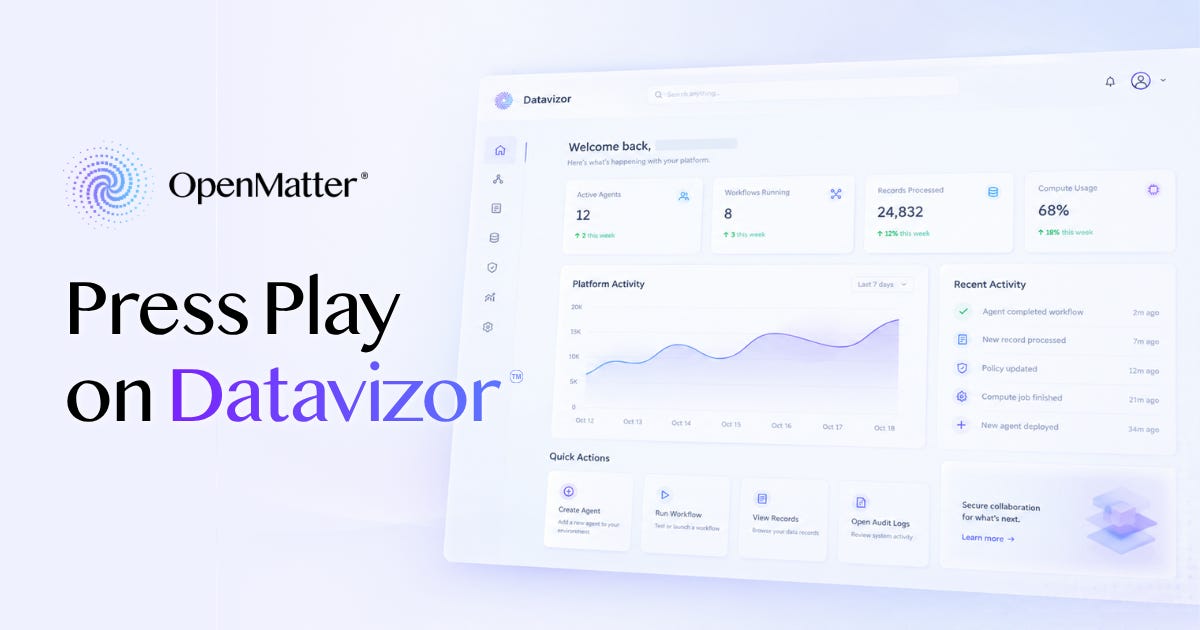
The quickest way to understand a console is to click around in it. Most platforms for running AI agents make you sign up, or book a call, before you can.
The Datavizor™ console for OpenMatter® lets you skip that step. A button on the login dialog labeled Just let me play! opens a sample workspace with every screen unlocked, no account and no card required. This week’s article is a guided tour: where to click, what you’ll see, and what each screen does once the workspace is yours.

Stay up to date as we build the infrastructure layer for secure AI collaboration:

OpenMatter is chairing the Decentralized AI Agent Alliance’s Agentic Privacy & Security subgroup. Our next meeting will be held on November 4 at 1pm EST, and every other Wednesday thereafter. Please join us.
If you’re curious what DAIAA is all about, you can check out their YouTube for a full archive of meeting recordings.
OpenMatter has joined the Open Secure AI Alliance, the industry initiative hosted by the Linux Foundation. We’re bringing our work on cryptographic verification, privacy-preserving computation, and post-quantum security to its open security efforts for AI agents.
To learn more about the Alliance and how to take part, visit secureaialliance.org.
Press Play on Datavizor
A Model Home You Can Walk Through
What does a policy for an AI agent look like? Where does the API key go, and who gets to read it?
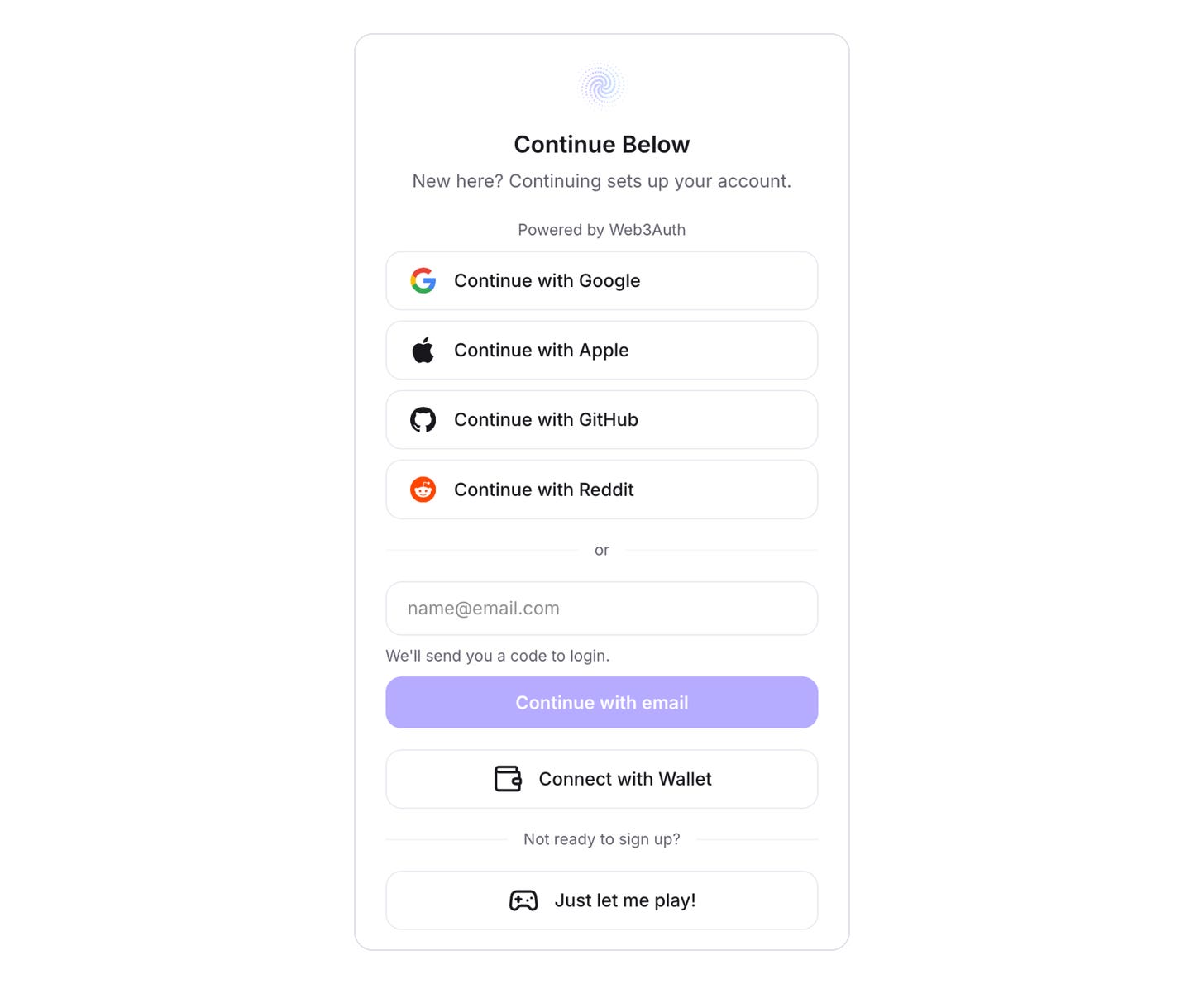
The demo shows you. Go to Datavizor and click Login or Create Account. At the bottom of the dialog, under “Not ready to sign up?” click Just let me play!
You land in a sample workspace with three projects, running apps, and a credit balance. A banner along the bottom says everything here is a sample and nothing is saved. Figures that would come from a live system carry a Simulated badge.
Think of it as a model home. You can open every drawer and type into every form. Nobody lives there, and nothing you move stays moved.
Stop One: Deploy an Agent
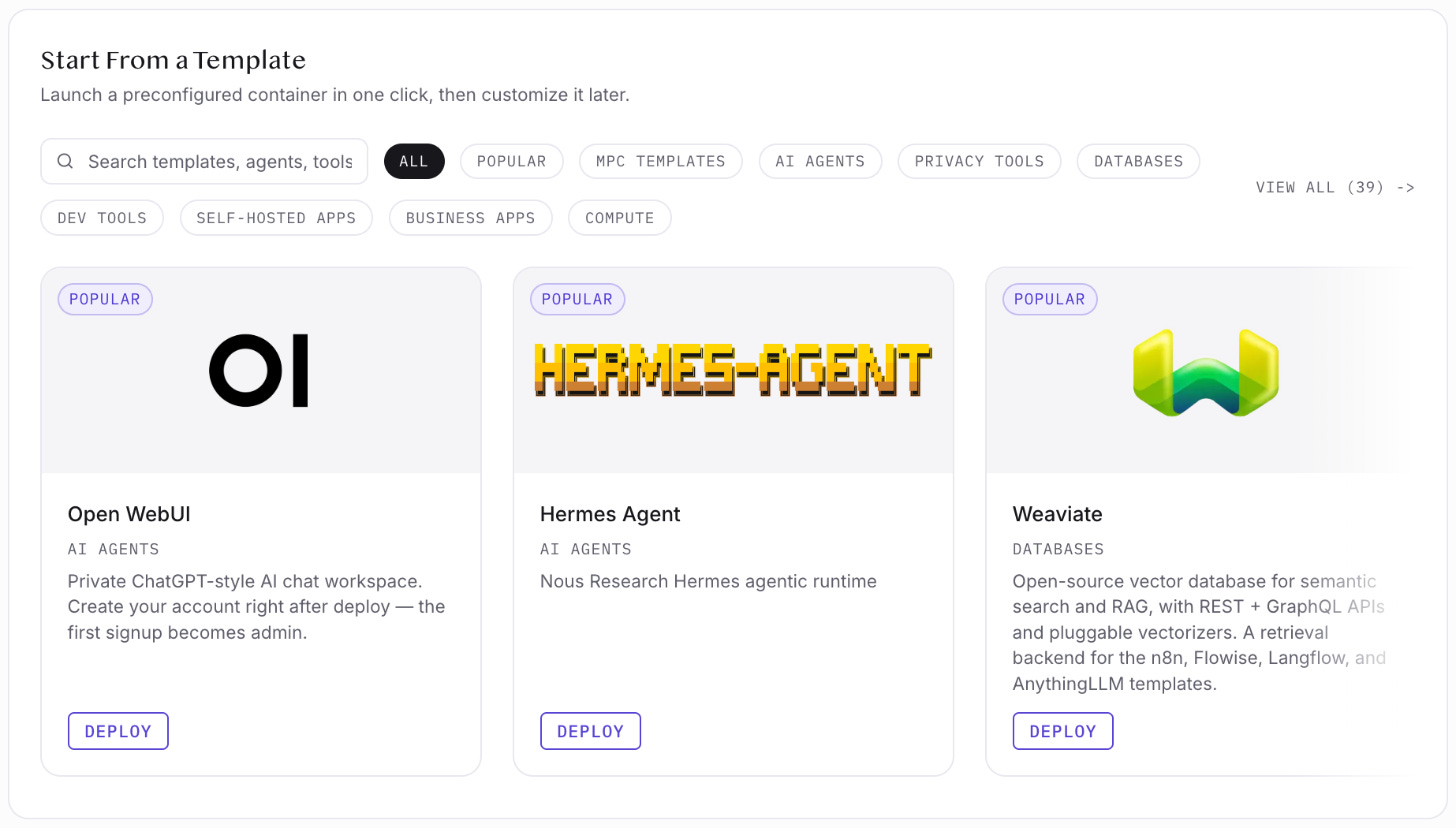
Click Deploy. The Create New App page opens with 39 templates, each a preconfigured container you can launch in one click and customize later. They include AI tools such as Hermes Agent, Open WebUI, Ollama, n8n, and Langflow.
Below the templates, you choose a resource plan and set environment variables, the settings an app reads when it starts. Fields marked Quantum Safe are for API keys and other secrets. They’re encrypted in your browser before the form is submitted, so only the encrypted version leaves the page.
Further down, a QuantumGuard™ switch puts the agent behind a policy. That’s the next stop.
Stop Two: Read a Policy
Open QuantumGuard, then the Policies tab, and click Edit on the policy called Pipeline boundary. It’s the same editor you’d use on your own agents.
The Connects out tab is a short allowlist. It names a handful of model services, such as api.openai.com and api.anthropic.com, and limits the agent to secure web traffic on port 443 and three API paths. Anything else is refused and recorded.
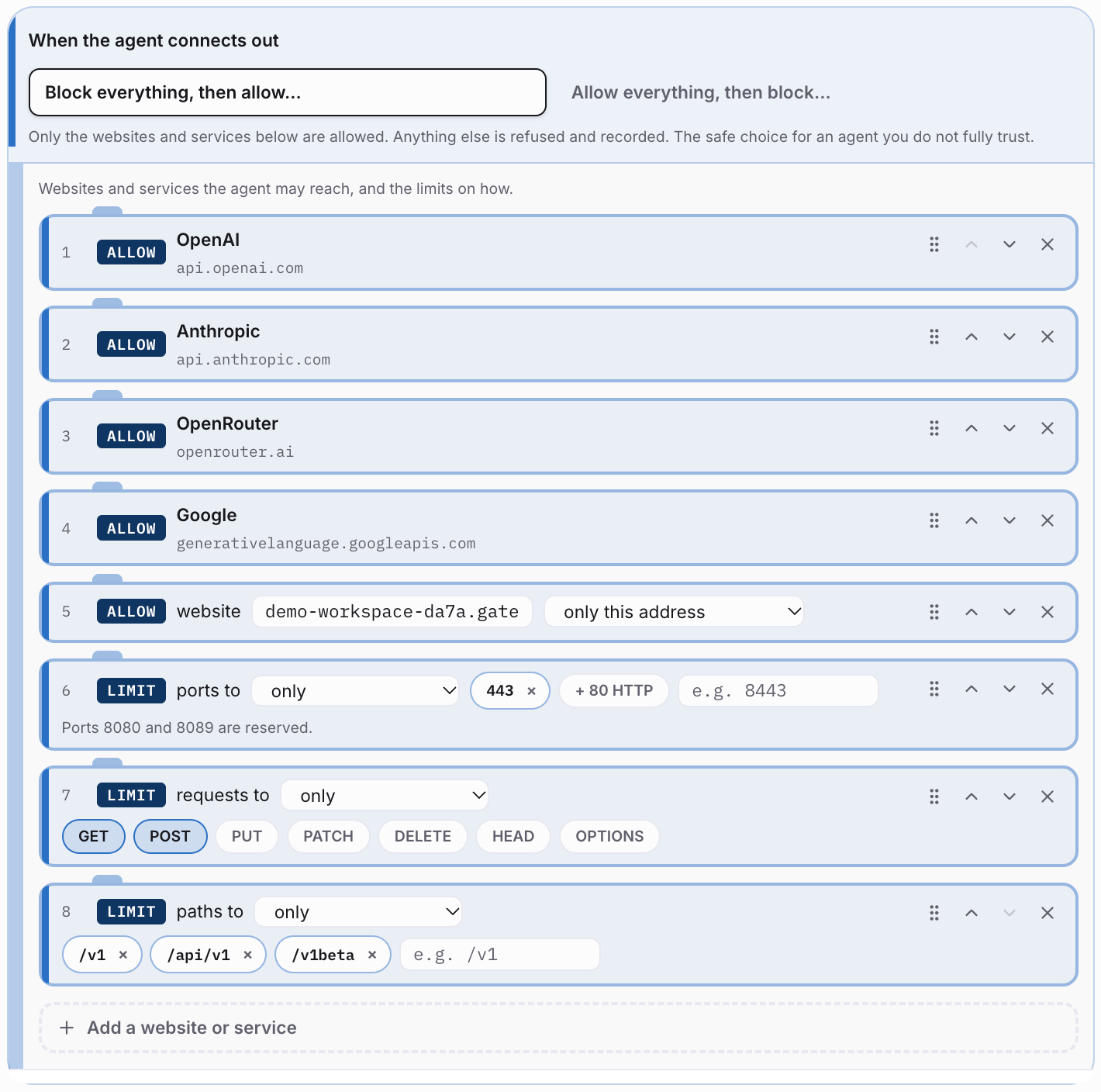
The Credentials tab sorts the settings from the deploy form into two lists. Settings on the first list, such as a model service’s address, reach the agent as usual, and anything unlisted is withheld. API keys go on the brokered credentials list and never reach the agent at all. The guard holds each key and adds it only to requests bound for the site it belongs to, so a compromised agent has no key to give up.
Tool calls get a tab of their own. A tool is an outside service an agent uses to search, run code, or read files. This policy allows none, so a call to any tool is refused and recorded.
The mode at the top reads Block and record. Anything the policy doesn’t allow is refused as it happens, and each allowed action is proven while the agent keeps working, so it never waits on a proof.
Then open the Record tab and pick the agent. Every decision is there, allowed and denied, in a log that can’t be altered without the change showing. Each entry is checked as the page loads it.
Stop Three: Point Your Tools at One Gateway
ModelRouter™ is the gateway your tools call in place of the model providers. You add your keys for OpenAI, Anthropic, OpenRouter, or Google once, or connect a model server you run yourself, such as Ollama. The keys are encrypted in your browser before they leave the page.
The Connect tab gives you one gateway address and a gateway token. Claude Code, Cursor, Codex CLI, Aider, and your own code can all point there. Your tools hold only the gateway token, and the provider keys stay with the gateway. On the Routing flow tab, rules you drag into order pick a model for each request. The sample has one for short questions, one for code requests, and one for long prompts.
Stop Four: Analyze Data Nobody Hands Over
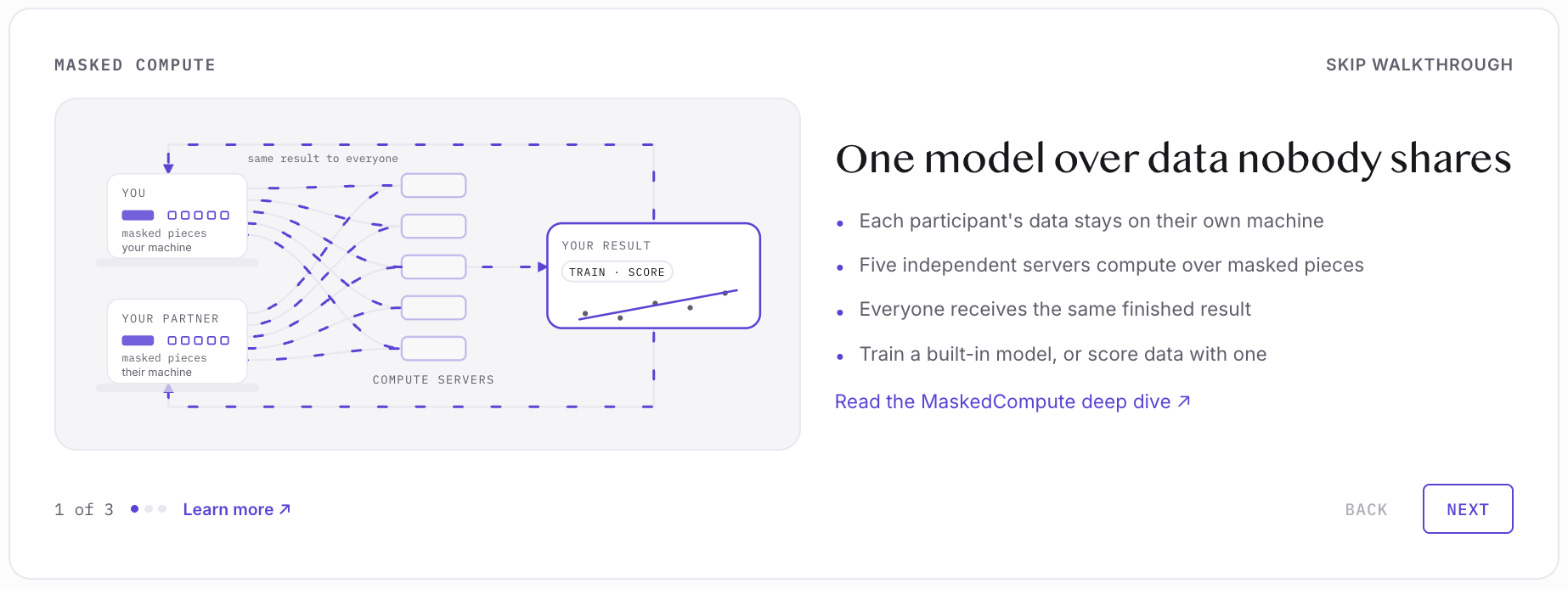
Open Collaborate. It runs Masked Compute™ sessions, where several organizations train a shared model without handing over their data. Click How it works for a three-step walkthrough. The first step sums it up. Each participant’s data stays on its own machine. Five independent servers compute over masked pieces, and every participant gets the same finished result.
Click Start Session to see the setup: a host plus up to four collaborators.
A live session needs the OpenMatter Agent app on each participant’s machine. It runs on Linux and Apple silicon Macs, with Windows coming soon. The demo can’t reach one on yours, so the page reads Agent disconnected. That’s expected.
Leaving the Model Home
Exit Demo on the banner returns you to the regular console in one click.
Sign Up for Free opens a free-account dialog, and Back to the demo inside it returns you to where you were. You sign in with Google, Apple, GitHub, Reddit, email, or a wallet, with no new password and no credit card. The account starts on the free Explore plan, with 25 compute credits a month and one project. The plan includes deployments, agent templates, cloud storage, quantum-safe encryption, ModelRouter, and secure data collaboration.
Walk through the whole house first. Nobody will ask for your email until you want to move in.
Don’t trust data. Prove it. Press play in Datavizor.
— The OpenMatter Team
If you know someone who would benefit from reading this article, please share it:
OpenMatter is building the verifiable trust layer that enables AI agents to securely collaborate on sensitive data sets. If you’re in a regulated industry and need a better way to prove that your data is secure, contact our team to learn how masked compute can help.